Student Loan Grace or Deferment? Read Each Record
Check each existing federal Direct loan's grace or deferment status, dates, interest treatment, and servicer notice before building a payment calendar.
Estimated reading time: 5 minutes
This guide concerns existing federal Direct loans and their records, not private loans, new PLUS borrowing eligibility, consolidation, special military rules or selection of a repayment plan. Check current notices for your actual loans.
Read the loan type before the status label
Federal Student Aid distinguishes a six-month grace period for Direct Subsidized and Unsubsidized Loans from deferment for graduate or professional PLUS borrowers. The latter receive in-school deferment at least half time and an additional six months after graduation, leaving school or dropping below half time. Parent PLUS borrowers don’t have a grace period, but can request qualifying deferment.
The similar length doesn’t make these statuses identical. Preserve the actual loan type and status instead of renaming every payment postponement “grace.”
An older loan may have a different history
Edfinancial’s in-school guidance warns that a borrower leaving school enters grace unless that grace has already been exhausted; an affected loan then enters repayment. A later school attendance period therefore shouldn’t be treated as evidence that every earlier loan has an unused grace period.
Ask which prior status dates the servicer used. Don’t overwrite an older loan’s history with the newest loan’s dates merely because the loans appear on one account. Keep the unanswered history question specific to the affected loan.
Fictional reading example: two loan records sit in one folder. One expressly shows grace already exhausted; the other shows grace still available. Copying one shared “after graduation” date over both records would erase the difference. The example assigns no payment date.
Check what the school actually reported
MOHELA explains that schools send enrollment updates and that in-school deferment requires at least half-time enrollment at an eligible school. Its guidance tells borrowers to ask their school how half-time status is defined and when enrollment information will be reported to the National Student Loan Data System.
This makes the school’s enrollment record relevant, not just a personal calendar. Identify the reported status and dates, then compare them with what the servicer used. If those records disagree, ask the school and servicer to explain the difference. A registration receipt alone doesn’t show what information reached the servicing record. This guide doesn’t certify enrollment or submit a deferment request.
Use the actual payment notice
Federal Student Aid says a servicer’s billing statement or other notice identifies the payment due date, payment amount and upcoming interest.
Read the actual current notice rather than calculating a due date from a general article. If the notice conflicts with your understanding, raise the discrepancy promptly with the servicer. A question about the record doesn’t establish that a required payment has been postponed. This guide doesn’t authorize ignoring a bill.
Separate payment timing from interest and responsibility
Edfinancial explains that a Parent PLUS loan is made to the parent, who is responsible for repayment. The student’s graduation doesn’t transfer that responsibility to the student. Keep the borrower identified when reviewing a household’s different loan records.
The servicer also says interest continues to accrue during the post-enrollment deferment for graduate or professional PLUS borrowers. A postponed payment is therefore not evidence that the balance can’t change. Check interest separately from the next required installment. This guide doesn’t calculate capitalization, recommend voluntary payments or decide which person should contribute money within a family. Those are different questions from identifying the borrower and understanding the recorded status.
A schedule and a reminder aren’t the same document
Edfinancial’s grace-period page says its repayment schedule gives the due date, monthly amount and interest to be repaid. It also describes courtesy emails that alert customers when statements or other correspondence are available. In that provider’s process, the alert points to information; it shouldn’t replace reading the underlying document.
For a practical check, distinguish a message announcing new correspondence from the correspondence itself. Confirm which document your notes refer to before asking about an amount. The same page says borrowers can contact their servicer for repayment-option assistance without paying someone for that help. This isn’t a recommendation to select a plan or change communication settings.
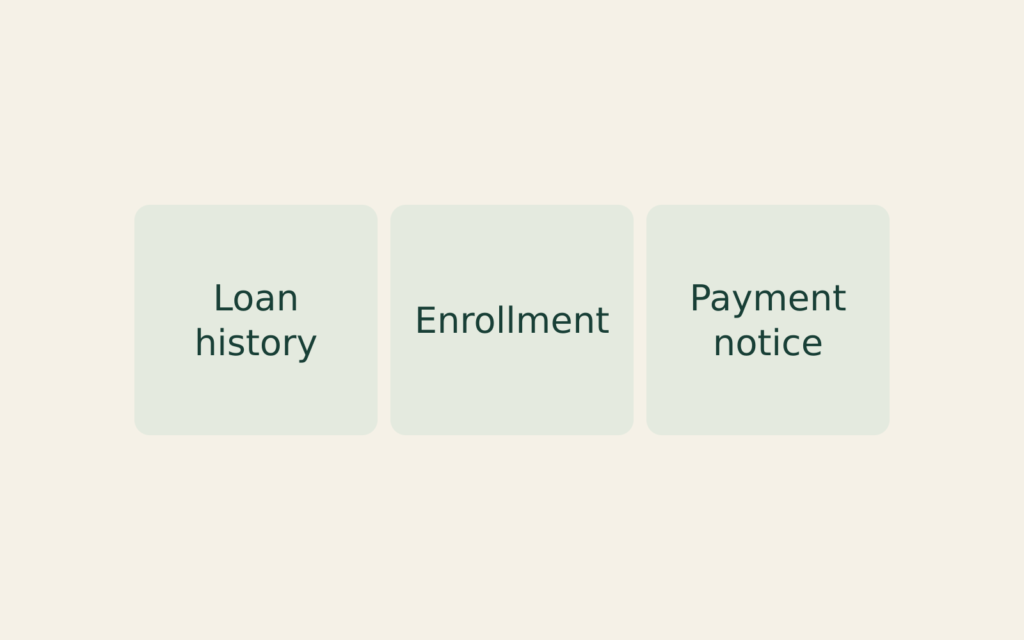
| Record | Check |
|---|---|
| Loan | Type and history |
| School | Enrollment reported |
| Servicer | Current notice |
Keep each unanswered question attached
Keep a private copy of the source page beside your question. Use short local labels such as “Loan A” and “Loan B” rather than account numbers in shared notes. Preserve the original wording when a later explanation arrives, so the correction can be understood without relying on memory.
If a response mentions only one loan, mark the other question unanswered. Don’t manufacture a second confirmation by copying the first. This is a reading exercise, not a completed request, a payment instruction or permission to disclose somebody else’s account.

Parent Pays Student Loan Interest: Who Deducts?
Separate payment and obligation.

Returned Loan Debit: Two Fees?
Trace the payment and fees.

Rehabilitation Payment Too High?
Check an alternative request.