Stop Loan Autopay: Separate the Debit From the Debt
Review a fictional $210 payment, trace a $420 cash outflow, and compare the supporting records before treating an unexplained difference as resolved.

Estimated reading time: 8 minutes
To stop loan autopay, track the withdrawal instruction and the loan payment as separate records. Confirm what the company and bank received, then establish how the next required installment will be paid.
A payment-setting change can leave you with several records that describe different events. Use the instructions, transaction entries and loan history to investigate what happened, rather than treating one screen label as the whole answer.
Before you stop loan autopay, identify the transfer
This guide covers recurring lender-initiated electronic withdrawals from U.S. consumer bank accounts. Business accounts, paper checks and credit-card billing disputes are outside its scope.
Under Regulation E’s definitions, consumer accounts serve primarily personal, family or household purposes. Preauthorized transfers recur without further action. Automatic bank bill-pay EFTs can qualify; payments you initiate manually each month don’t. A business day depends on when the institution performs substantially all business functions.
Privately collect the payee name, account ending, authorization copy, transaction descriptor, next scheduled date and expected amount or variability. Avoid copying full account numbers into general notes. If two similar descriptors appear, resolve which instruction each belongs to before treating them as interchangeable.
Contact the company and bank
Tell the company you revoke permission for future automatic withdrawals, then confirm in writing. Notify your bank or credit union and follow up in writing there too. Revocation removes permission; a stop-payment instruction directs the bank to block a payment. A stop-payment fee may apply. The CFPB’s automatic-payment guidance explains these steps.
Retain each request, its date, recipient and acknowledgment.
If an acknowledgment is vague, ask which instruction it confirms and whether anything remains outstanding.
Use the bank’s stop-payment timing correctly
For a preauthorized transfer, notify the bank orally or in writing at least three business days before the scheduled transfer. It may require written confirmation within 14 days of oral notice and must give that requirement and the address then. Without required confirmation, the oral order stops being binding after 14 days. After revocation notice, the bank can’t wait for the company to stop debits; it may use a third party to block them if your account isn’t debited. See Regulation E, section 1005.10(c).
Contact the bank immediately if a transfer is close. Don’t treat the timing rule as a reason to wait or assume a late request will stop an imminent transfer. Ask what can still be done for the specific payment and record the answer.
Confirm replacement-payment details
Stopping loan autopay doesn’t cancel the debt; arrange another payment method. Report unauthorized or post-revocation debits to your bank promptly. These steps don’t promise an immediate, unconditional refund. See the CFPB’s unauthorized electronic-transfer guidance for reporting deadlines, investigations and conditional temporary credits.
Ask the lender to confirm the replacement method, amount, due date and effective date. Ask whether any contractual autopay discount changes. Use the actual answer rather than inventing a new rate.
Mark an unresolved instruction as unresolved. If you can’t tell whether the old transfer will occur, reconcile its status with the bank and lender before deciding what additional transfer to initiate. A payment-history screenshot taken before processing finishes doesn’t resolve what later posted.
Fictional example: two outflows for one planned installment
In this fictional example, an unchanged agreement requires one $210 installment. Both the $210 replacement payment and the old $210 debit post: $420 leaves the account, $210 more than planned.
Make two transaction entries with dates, amounts and references. Beside each, record whether the lender shows a matching credit and what explanation the bank or lender provides. Don’t merge the entries merely because their amounts match.
The apparent extra outflow is a reconciliation question. This arithmetic doesn’t establish refund entitlement or permission to withhold a later installment. Keep any proposed correction separate from a correction that actually appears in the records.
Stop loan autopay: keep the bank ledger and loan ledger side by side
Return to the fictional $210 installment with two posted $210 outflows. The bank ledger shows $420 leaving the account. The loan ledger needs its own entries showing what the lender actually received, credited, returned or still can’t identify.
Don’t assume that two bank outflows mean the lender permanently credited $420 to this loan. One transfer could still need tracing or correction. Conversely, a loan-history screen captured before processing is complete can’t establish that the bank’s second debit never occurred.
Give each transfer a row with amount, method, bank reference, bank date, lender reference and lender posting status. Match the rows through the actual records instead of merging them because both say $210.
The scheduled installment is a third record: it states what is required under the agreement. The payment-setting request is a fourth: it states what future withdrawal permission or blocking instruction was requested. None of those records alone supplies the whole answer.
This separation helps identify a specific question for the right recipient. A missing lender credit calls for tracing; a later debit after a recorded revocation raises the applicable bank-reporting question; an unclear replacement method needs a servicing answer.
Stop loan autopay: reconcile a later return once
For an independent cash example, suppose a confirmed permanent $210 return actually posts to the bank account after both original outflows. The net bank outflow becomes $210: $420 paid out minus $210 returned.
Keep the return as a separate dated entry. Don’t erase one of the original debits and also add the return, which would count the correction twice. The original activity remains part of the history explaining how the current balance arose.
The bank result doesn’t establish the lender’s final credit or the next required installment. Obtain the corresponding loan record and ask how the actual correction was treated. A returned transfer can require a related update on the other side of the reconciliation.
For a different independent branch, suppose only $100 is permanently returned. Net bank outflow is $320, leaving $110 more than the originally planned $210. The smaller return doesn’t resolve the entire cash difference.
These are arithmetic branches, not promises that a return must occur or directions to seek a particular amount. A temporary credit or a promised refund has a different status from the confirmed permanent receipts expressly assumed here.
Stop loan autopay: distinguish two equal payments from two identical obligations
For another separate example, suppose the borrower has two different loans, each legitimately requiring $210, and one posted transfer settles each. The $420 combined outflow is then not a duplicate merely because the amount and payment date match.
Match the loan identity, authorization and payment reference before deciding what the extra-looking entry represents. A similar bank descriptor may need clarification from the bank or lender. Don’t guess which account a payment belongs to from the dollar figure alone.
If an instruction concerns only one recurring authorization, identify that scope in the request and acknowledgment. Don’t assume it automatically changes another loan’s arrangement or every transfer using the same company name.
Likewise, a one-time manually initiated payment isn’t the same instruction as a recurring lender-initiated withdrawal. The original scope explanation helps select the right question, while the institution’s actual records establish what was requested and processed.
Stop loan autopay: verify the next cycle before closing the file
After the setting change and any correction, identify the next required installment’s amount, due date and confirmed payment method. A resolved duplicate from one cycle doesn’t establish that future scheduled payments are handled.
Ask whether any automatic-payment discount or other contractual term changes, and retain the actual answer. Don’t model a new rate from a generic product example. If the agreement changes, keep the revised schedule with its effective date.
Check any required written follow-up on the bank instruction using the actual notice and address supplied. Record when it was sent and what acknowledgment exists. A draft stored locally isn’t proof that the bank received it.
If a debit is imminent or an unexpected entry appears, contact the bank promptly rather than waiting for the next monthly review. This organizer supplies no substitute dispute timetable and doesn’t extend any applicable reporting requirement.
The completed file should show the future withdrawal instruction, the actual bank activity, the lender’s corresponding treatment and the next payment plan. It should leave a missing trace or unclear obligation visible instead of closing everything under a single “autopay off” label.
A screenshot saying a setting is off should be dated and tied to the specific service it shows. It doesn’t establish when a different recipient received a revocation or what an already-processing transfer did. Keep the company acknowledgment, bank instruction and transaction outcome as separate evidence rather than letting one screen replace them all.
Close the record with evidence
Retain any unanswered question with the recipient who can resolve it and the follow-up date they gave you. This guide doesn’t provide detailed electronic-transfer dispute deadlines; don’t substitute a credit-card dispute timetable.
General U.S. education, not individualized financial or legal advice. Sources checked October 19, 2026. The cash-flow example is fictional.
If the change accompanies a final payment, reconcile it with the dated payoff quote and any existing debit instructions.
Featured photo: A notebook, pen and phone on a desk. Photo: Dose Media / Unsplash. Used under the Unsplash license.
Changing Loan Autopay: Check the Notice
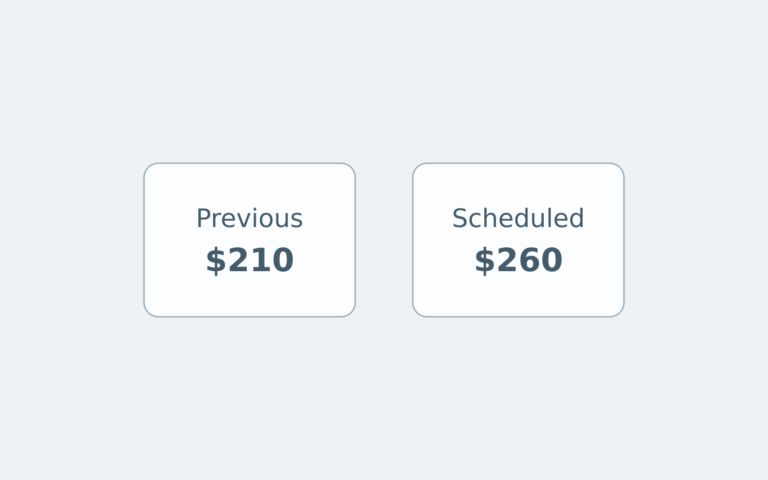
Compare the debit and notice.
Approved for a Loan, but Received a Risk-Based Pricing Notice?
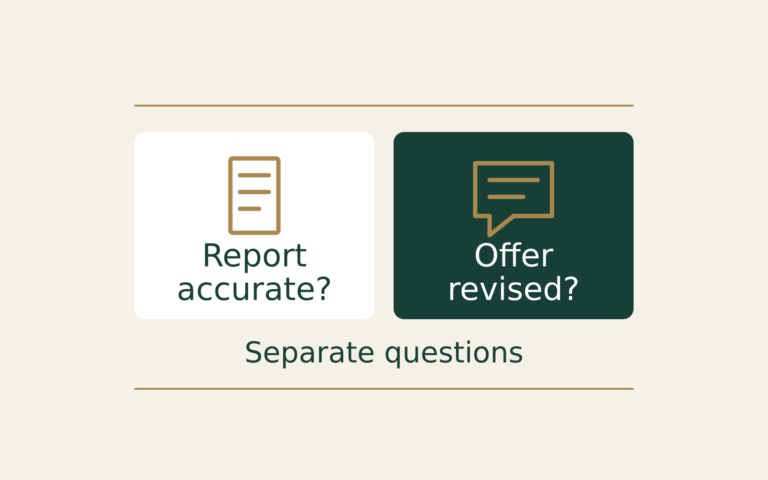
Identify the document and separate report-review questions from the actual loan offer.